How Do I Set An Item To Auto-Extend?
Edited
Auto-extensions add time to an item's closing countdown clock whenever a bidder makes a bid on that item as it prepares to close. The value in the "Auto-extend by seconds" field corresponds to when auto-extensions will become active as well as how long they will last.
For example, if auto-extend is set to 90 seconds, and a bid is placed within the last 90 seconds of the item's closing, the timer will reset to 90 seconds.
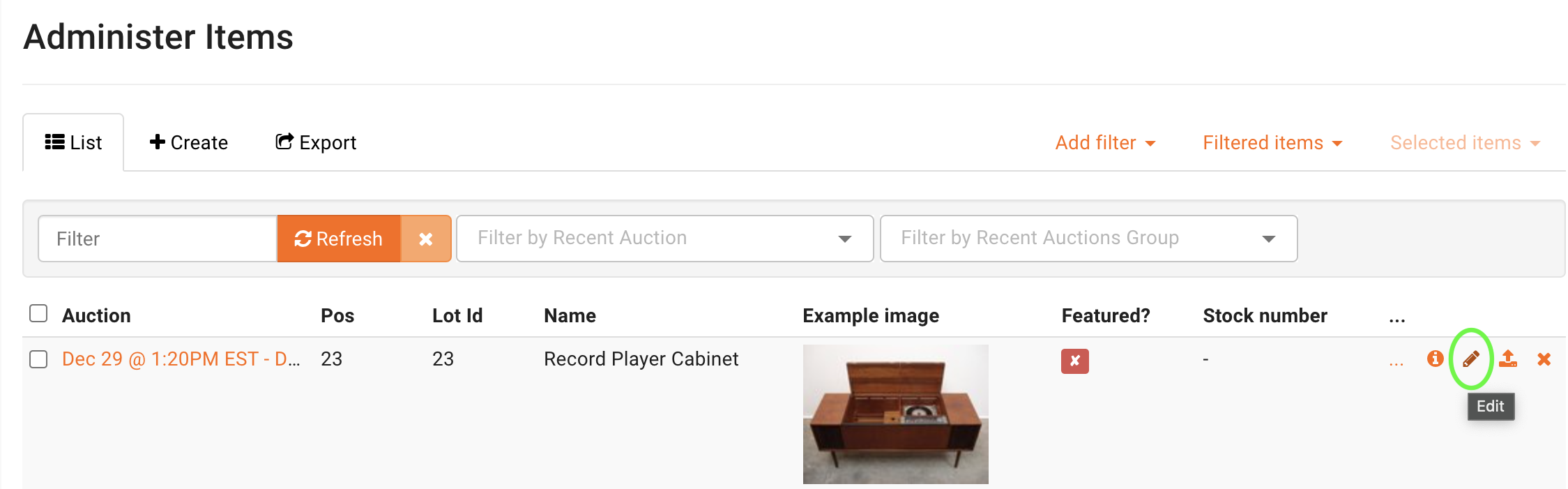
To set an item to auto-extend, click the 'Edit' pencil beside the item in the Auctions > Item list.