Can I Print My Own Barcode Labels?
If BidWrangler's Barcode Generator print templates do not fit your printer, you can print your own custom labels. The barcodes are 'Type 28' which means the only information sorted in the barcode is the number associated with the Lot ID.
Print Shop
You can have a print shop make your barcode labels, for example a roll of thermal labels. The "Scan for Barcodes" option in the Items import reads these labels if each label meets these conditions:
The barcode type is Code 128.
The barcode value matches the lot number of the item.
The barcode is large enough that you can take a clear photo of only that barcode.
Before you print a full roll, print a few labels. Photograph the labels, and import the photos with "Scan for Barcodes" enabled. Make sure that the import reads each barcode.
Online Generator
You may also find a barcode generating service from a 3rd party provider online.
For example, Avery has a free barcode generating service here. To generate your barcodes:
Choose a template for however many barcodes you want per-page
Choose a blank horizontal layout
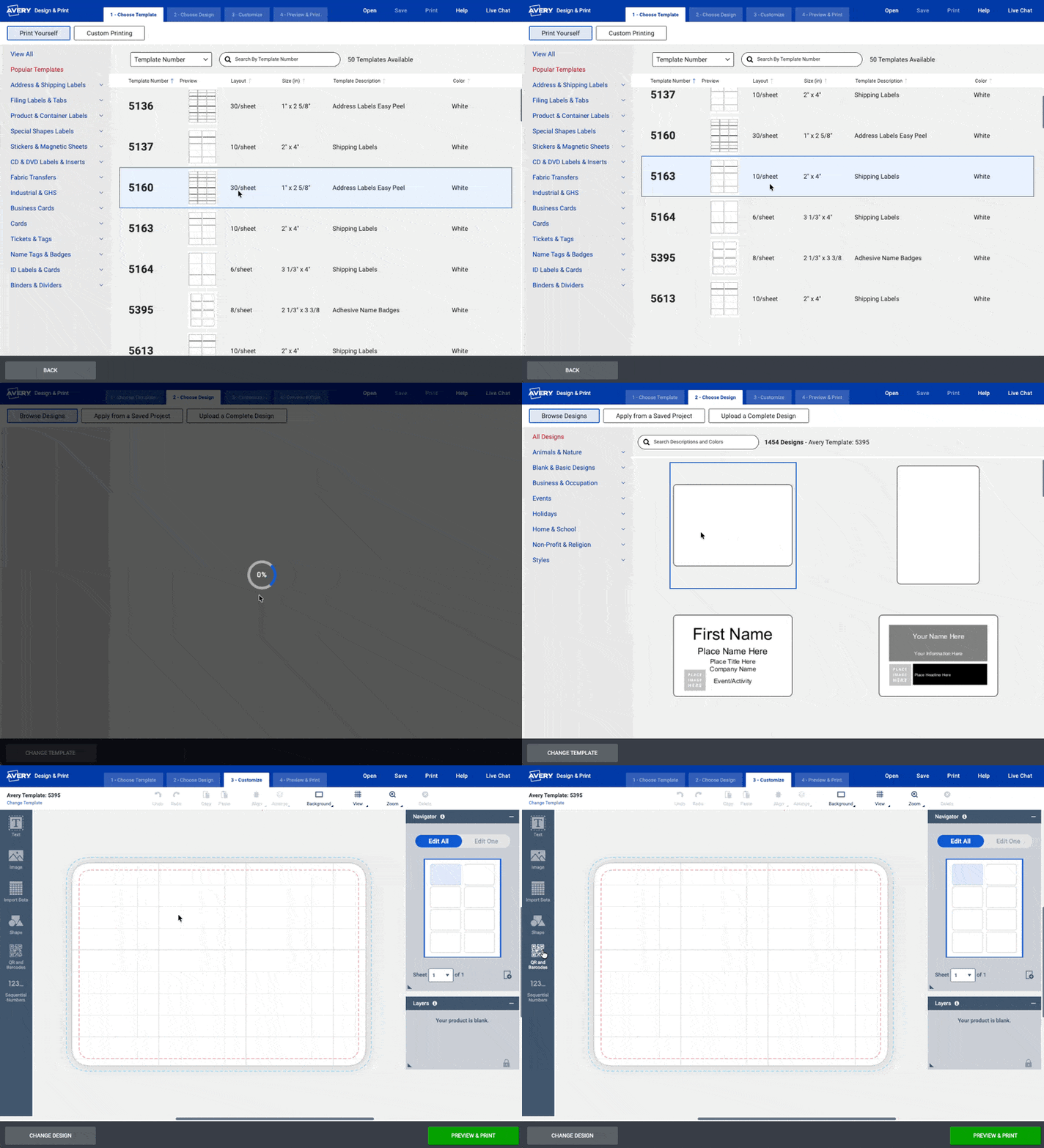
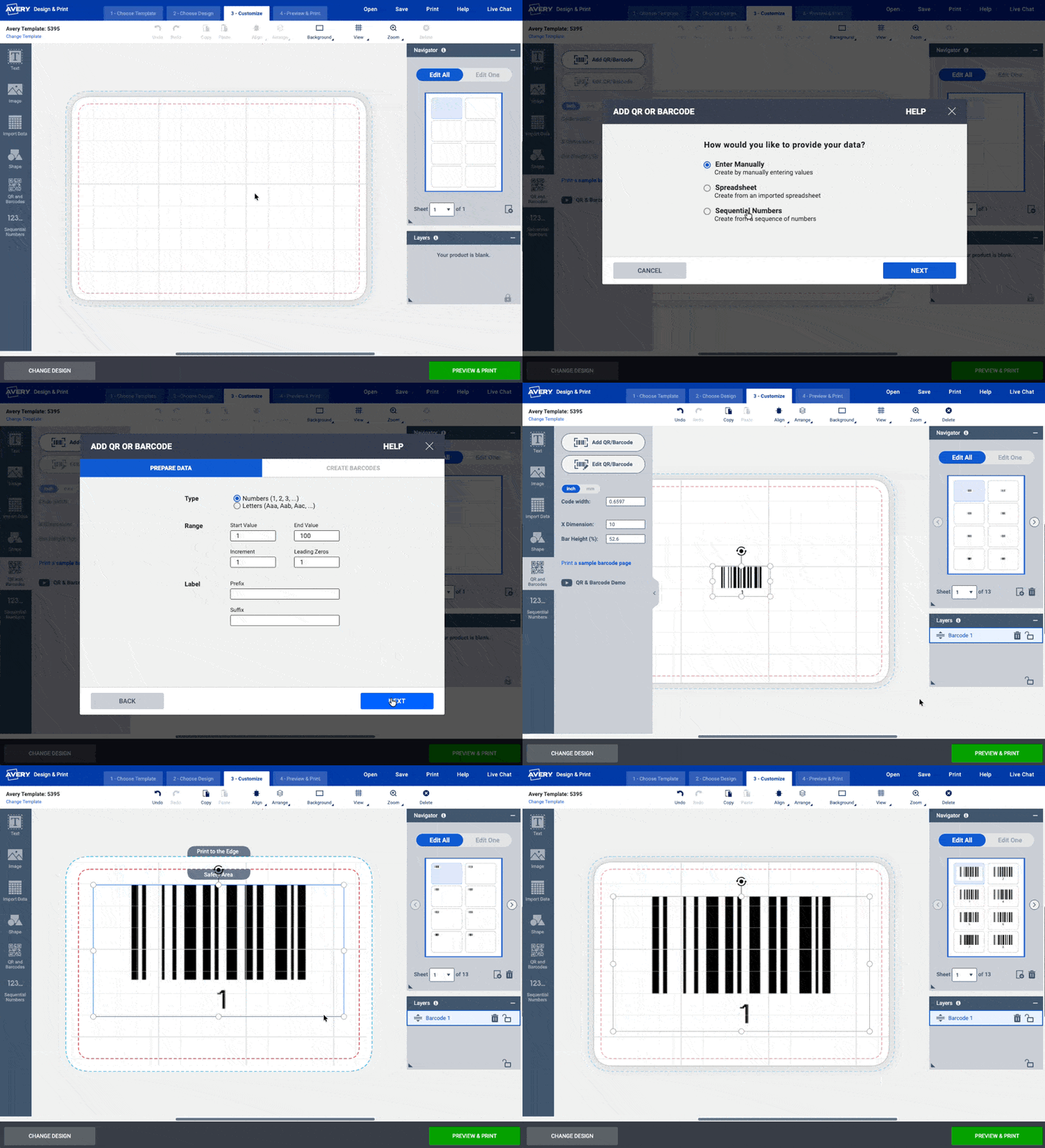
Click QR & Barcodes from the left-hand menu
Click Add QR/Barcode
Choose the Sequential Numbers option and click Next
Enter the range of your lot IDs and click Next
Drag and Drop SN2 to the blank field on the right hand side
Click Finish
You can then position and re-size to fit the space - see the preview on the right hand side
Once it looks right, click Preview & Print to get a printable PDF