How do I mark an item as shippable?
If you include a shipping service for your bidders, it's possible to flag certain items in your catalog as being available for shipping.
Flag an item as shippable
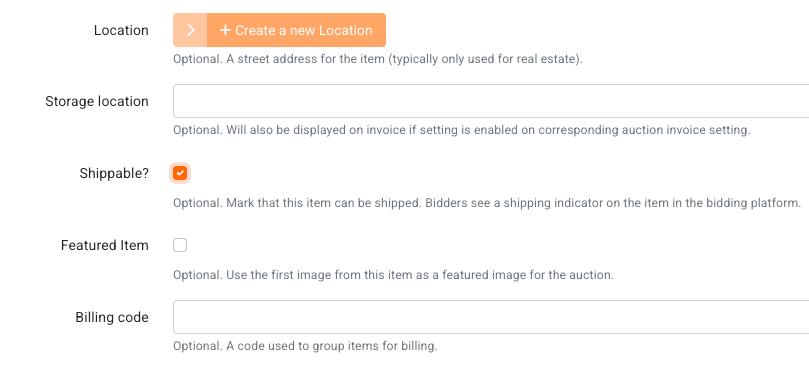
From the admin portal, in your item's settings use the Shippable? checkbox found under Suggested Fields
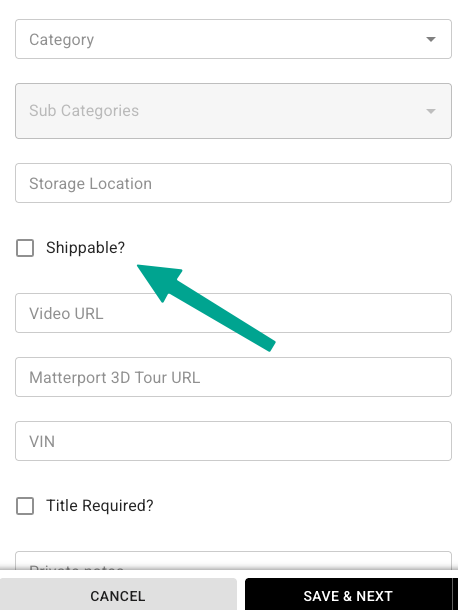
This option is also available as in the catalog app:
Importing and bulk updates
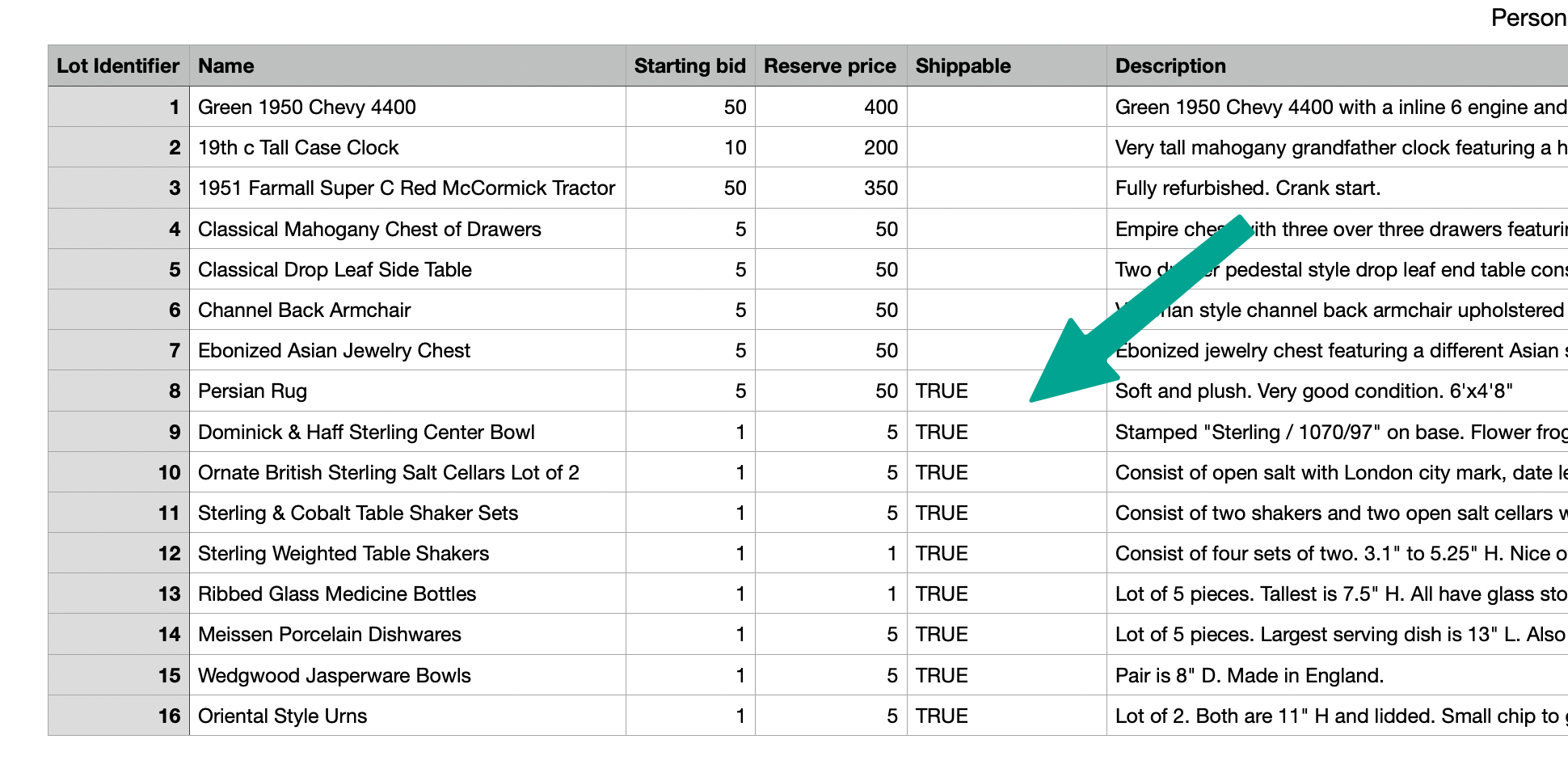
If you use a .csv file to import your catalog, you can include a column for 'Shippable' status, and update that column with TRUE for any items that can be shipped. Other lots can have this row left blank or marked as FALSE:
When importing, map the column to the Shippable field:
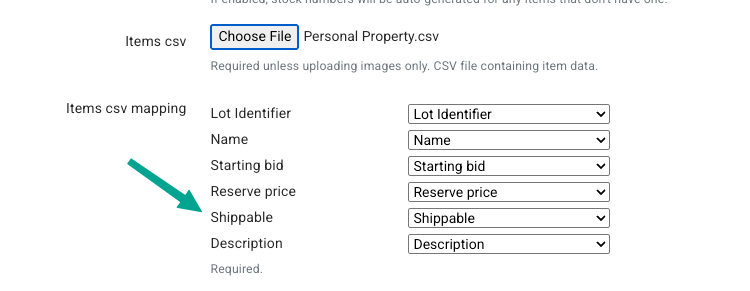
This feature can also be used to update your items in bulk. Just include a column for Lot ID and a second column for Shippable and add TRUE where needed.
Bidder's Perspective
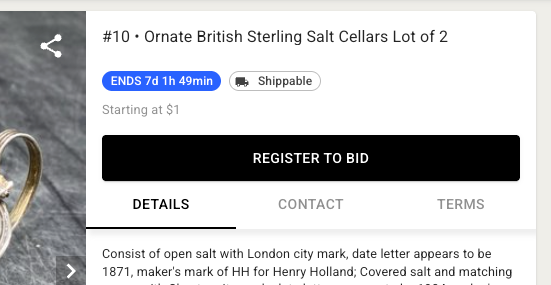
From the bidder's perspective, shippable items are flagged with the a truck icon in the top-right corner of the catalog view:
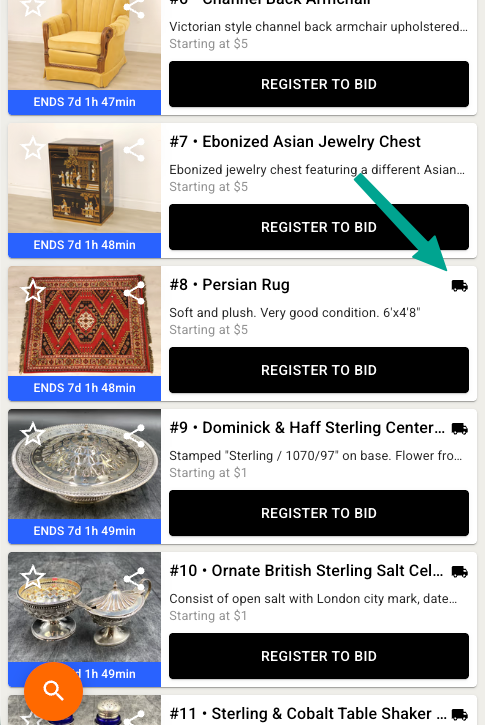
In the item details view, this status displays next to the closing time: