How do I add a Matterport Tour to my listing?
Edited
Adding a Matterport to an item
It is possible to add 3D Matterport Tours to both items within auctions, and item listings, and have these display within the bidding platform and app.
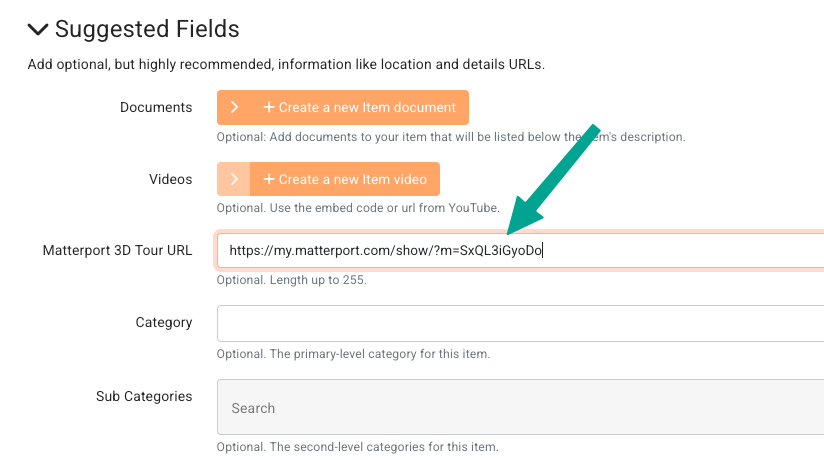
To add a Matterport Tour, copy the URL from my.matterport.com and navigate to your item settings.
Scroll down to Suggested Fields and paste the link into the Matterport 3D Tour URL field:
Bidder's Perspective
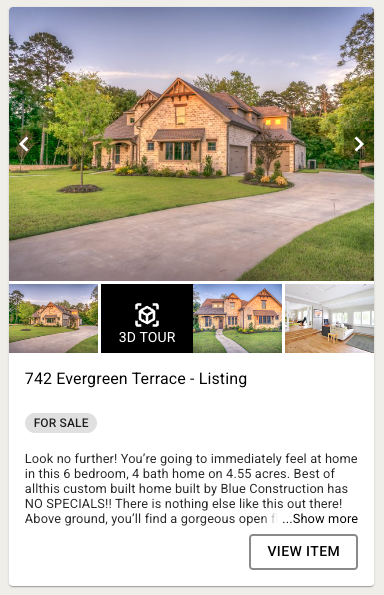
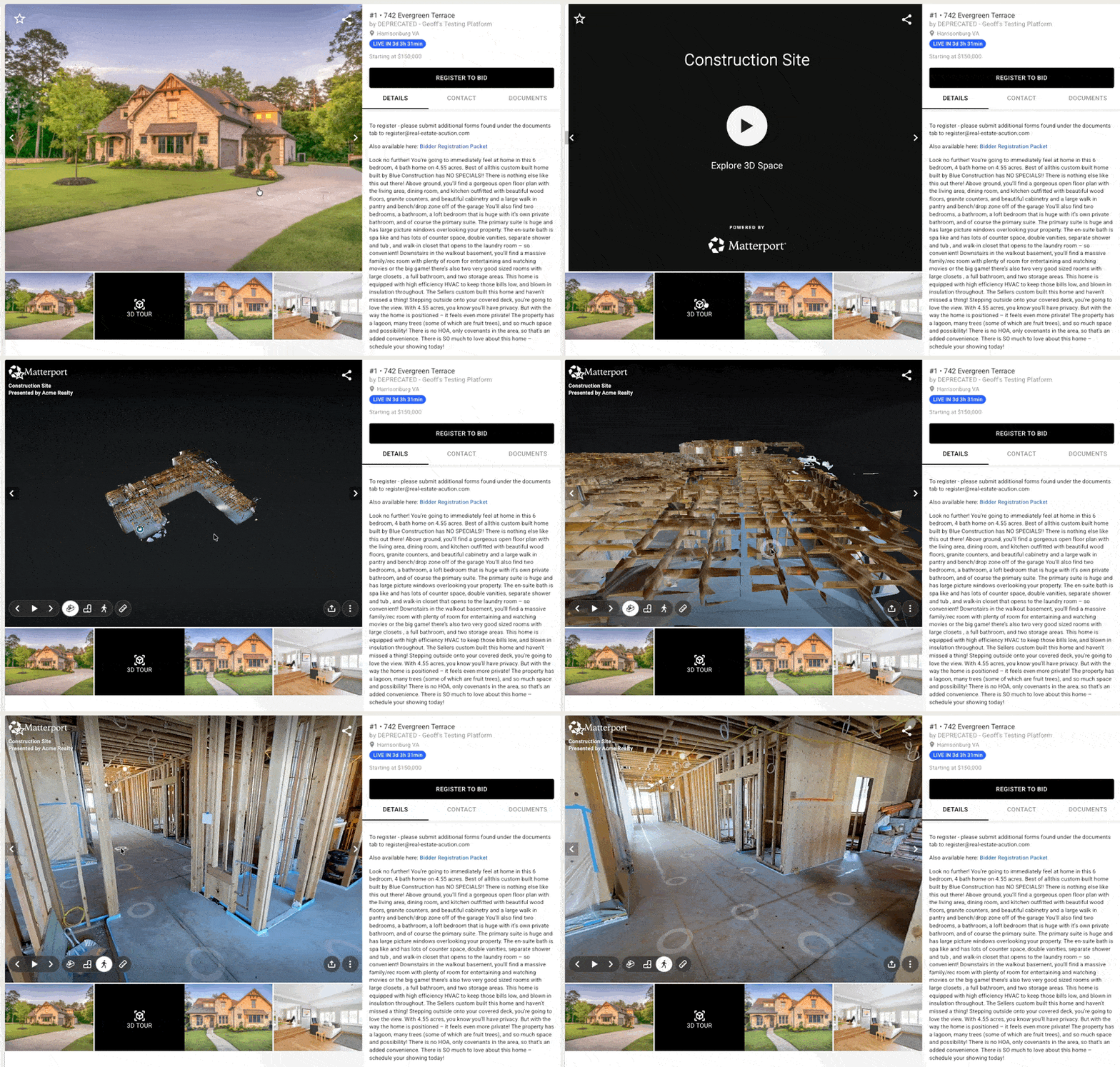
From a bidder's perspective, 3D Tours will appear in the image gallery following the first item image (and video thumbnail if applicable). The tour itself can be viewed and interacted with directly in the bidding platform, without being directed to another site:
For item listings, the tour option will also display in the image gallery: