
Adjusting Statement Layout / Font Size
You can customize the layout and font size used for generated statements, making invoices, settlements, and pick lists easier to read when printed or saved as PDFs.
Where to Find the Setting
Navigate to:
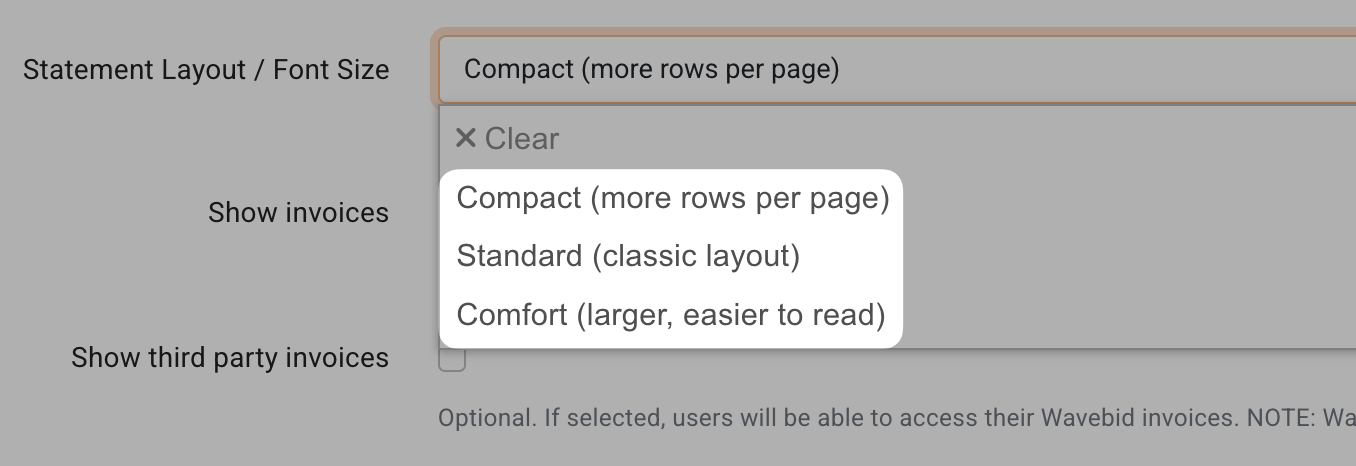
Company Settings → Customization → Statement Layout / Font Size

Available Layout Options
Choose from one of the following layout options:
Compact – Small font size (default)
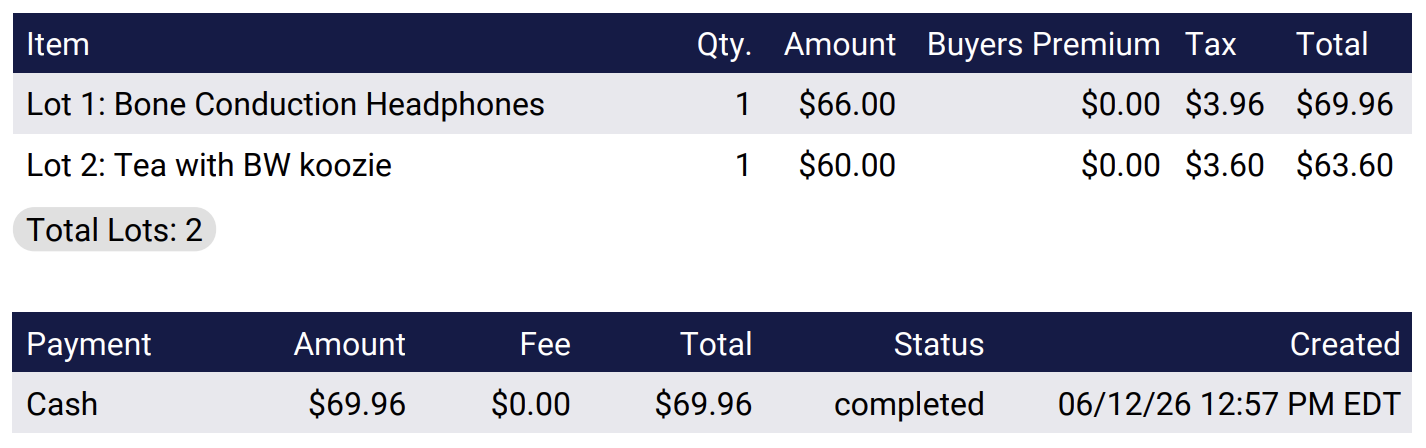
Standard – Medium font size
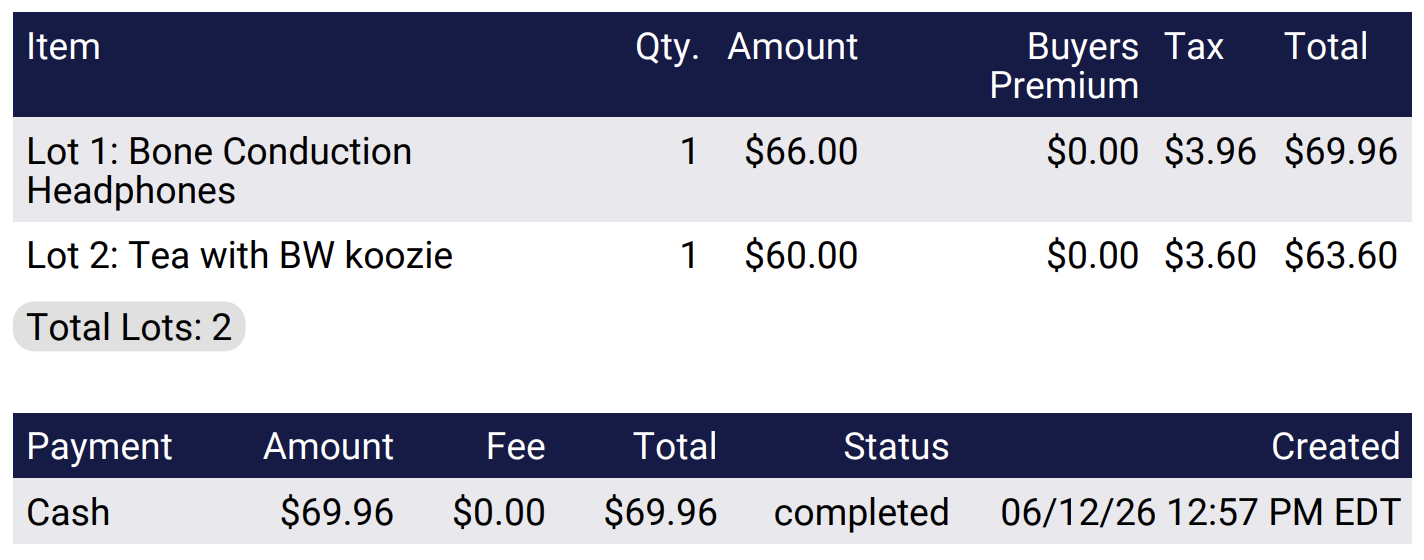
Comfort – Large font size
Selecting a larger layout increases the font size used on generated statements, which can improve readability for both printed and digital copies.
Important Notes
This setting applies to Invoices, Settlements, and Pick Lists.
Changes are reflected only in the generated PDF version of these documents.
The font size does not change when viewing statements within the BidWrangler admin portal.
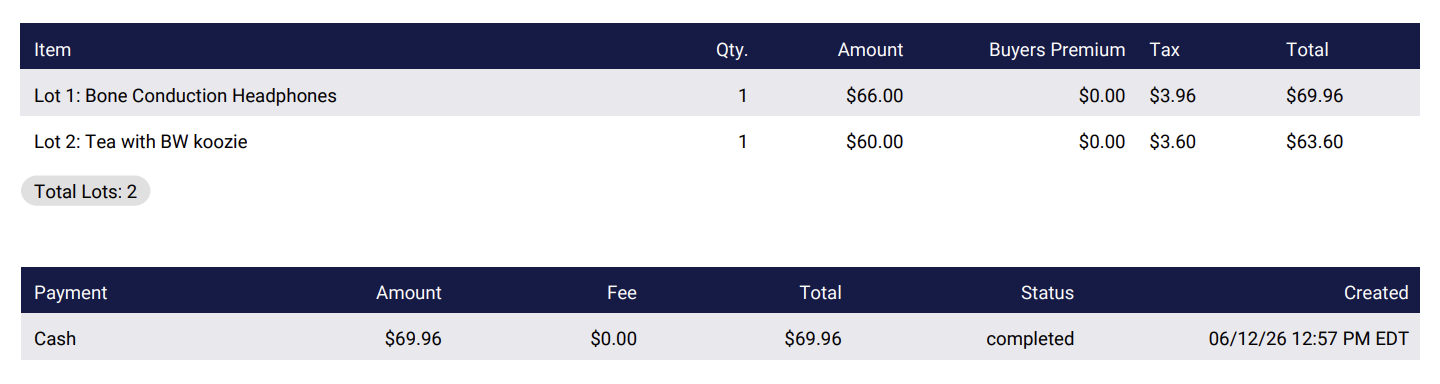
PDF Examples:
Compact:
Standard:
Comfort:
When Should I Change This Setting?
If your generated statements are difficult to read due to small text, try changing the layout from Compact to Standard or Comfort. You can generate a new PDF after making the change to determine which layout works best for your needs.
If you continue to have issues or have any questions, please reach out to us at helpdesk@bidwrangler.com.