How do I change the NO SALE or SOLD buttons in the Clerking Panel?
By default, your online clerking panel has buttons showing a red/green item status of NO SALE / SALE
It is possible to customize the language on these buttons to something more appropriate for your sale. This is particularly common for real estate sales where the property often isn't legally 'sold' until after contracts have been exchanged.
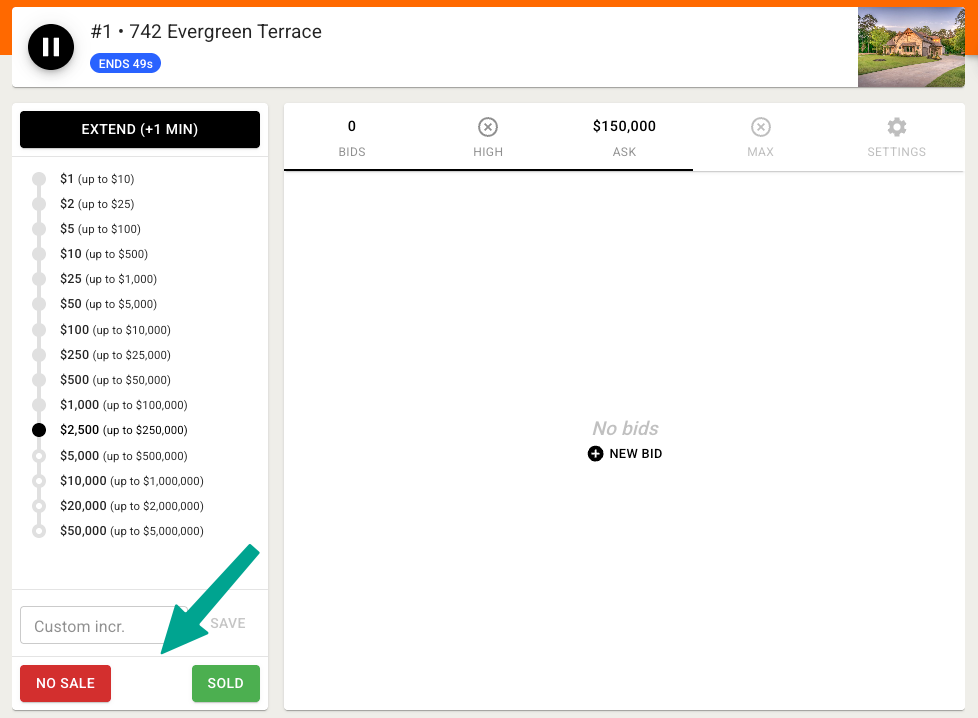
Note that the label of the button used will also display to bidder's as that item's status:
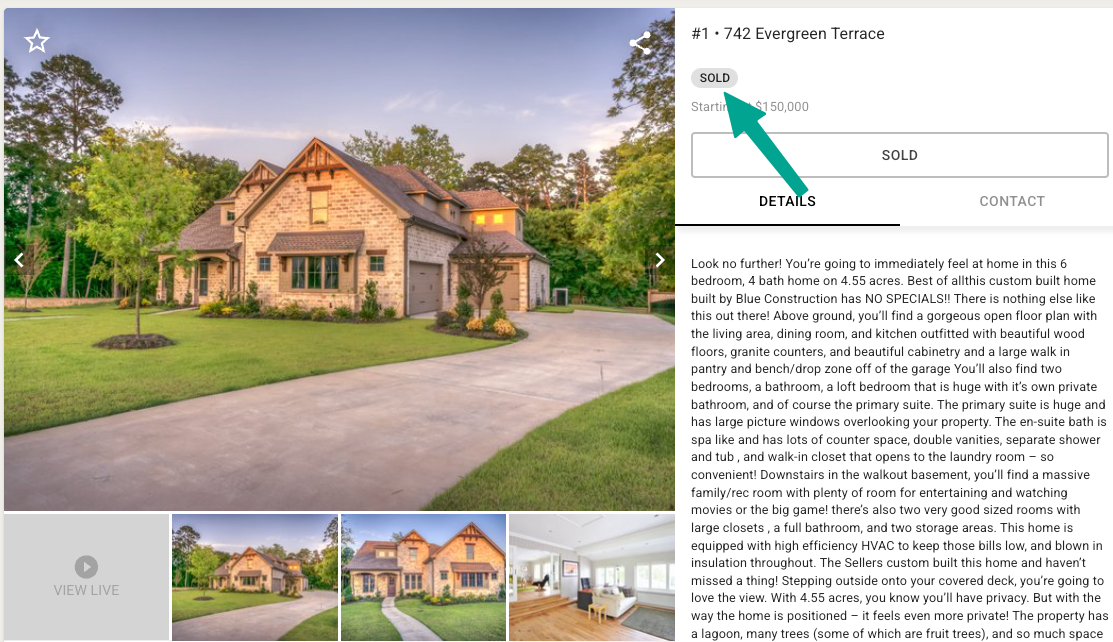
You can update the language for these buttons via your Company Settings and locating the under the Customization options.
Please note that since this is a Company level setting it will apply to all of your auctions.
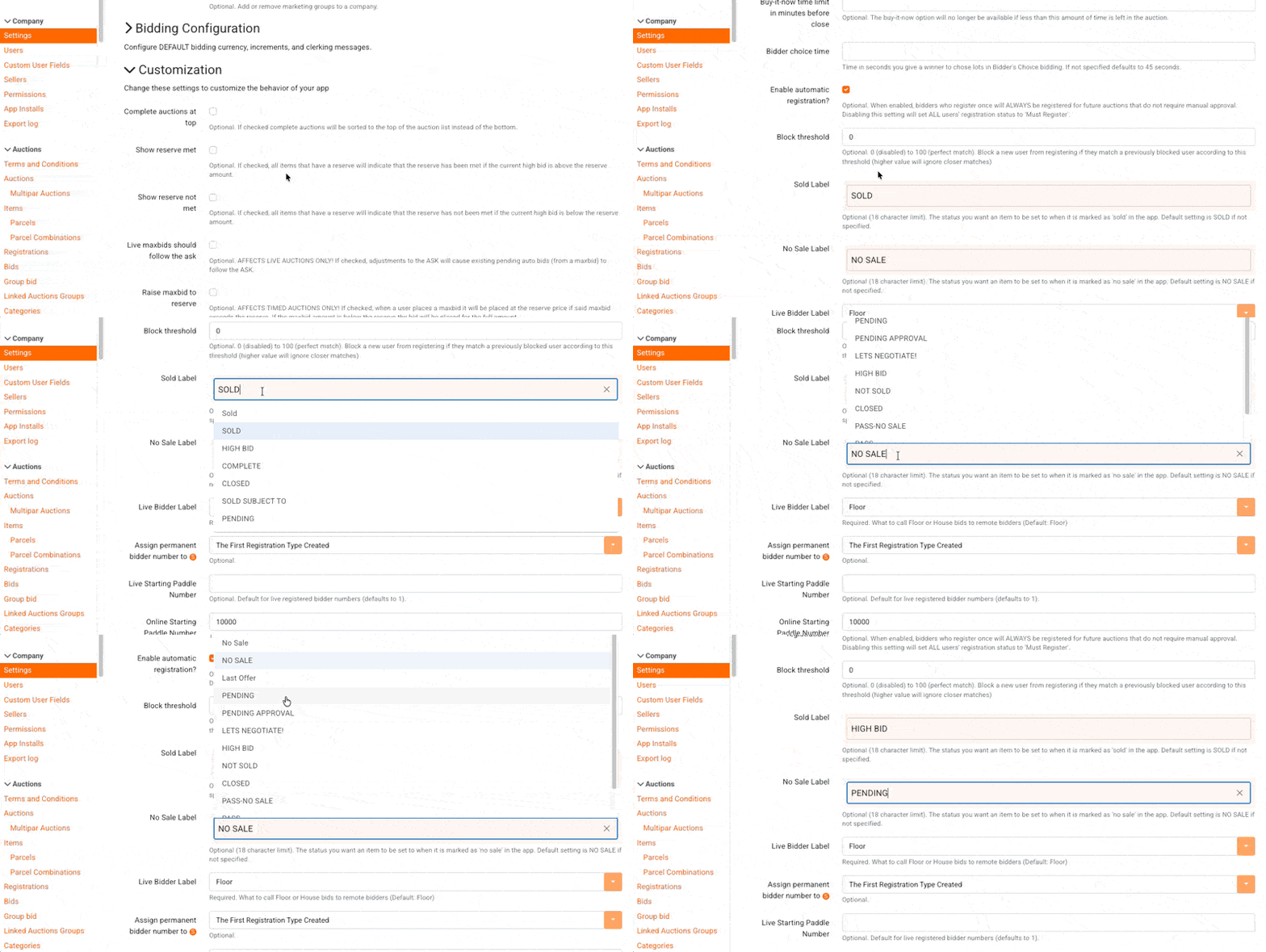
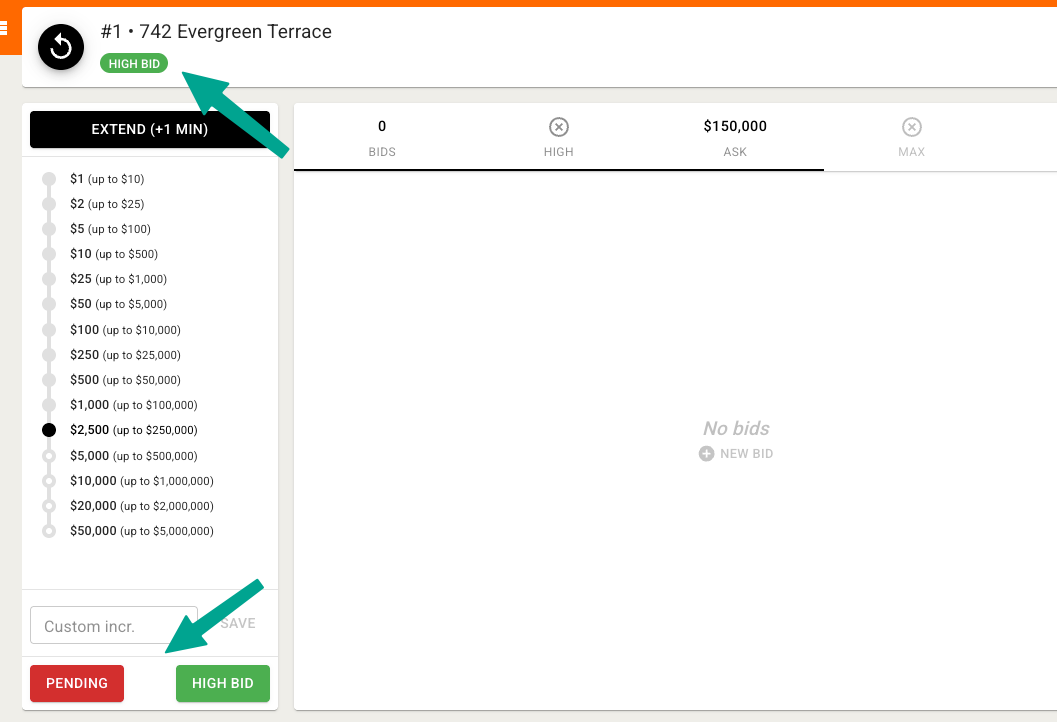
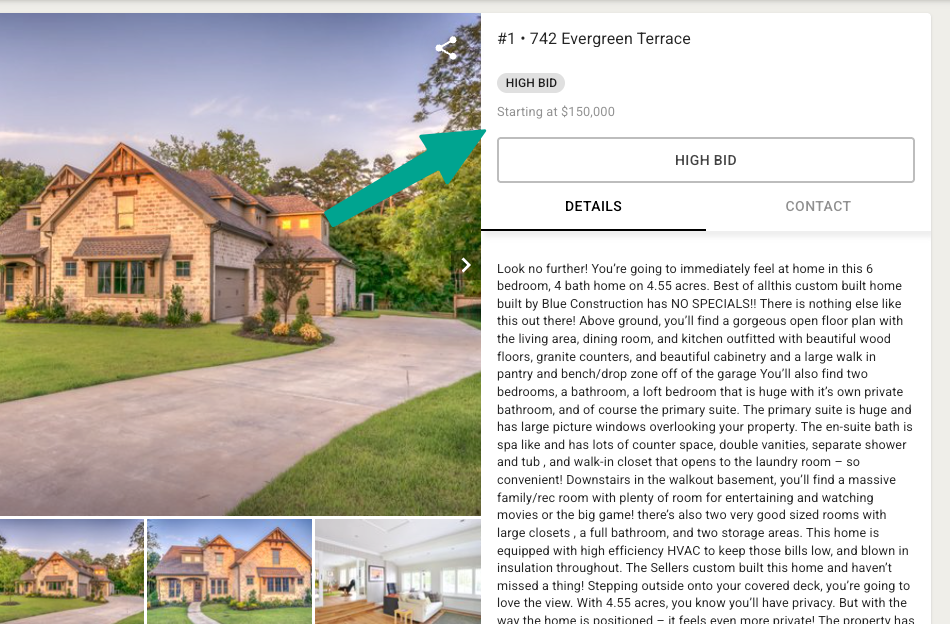
There are some pre-loaded suggestions available, but you can also enter custom text of up to 18 characters. Once saved, you'll see the update in both your clerking panel and on the item status: