VIN Lookup Feature
Edited
The VIN Lookup Feature can be accessed in a few different ways when creating or editing an item:
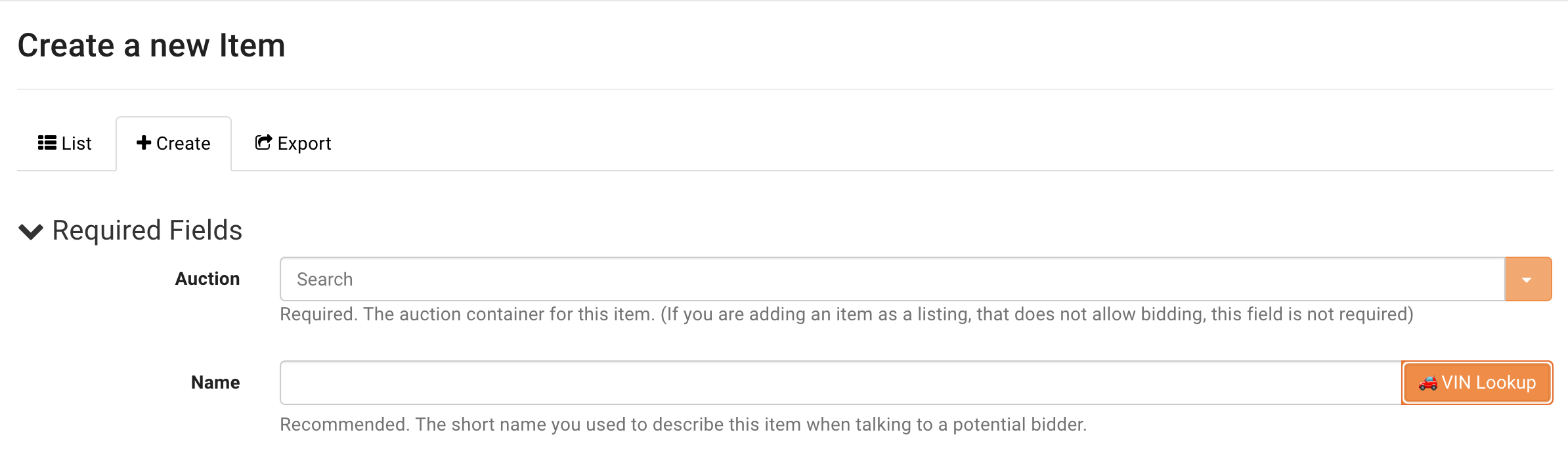
Within the Admin Portal on the item page alongside the Item Name
On the Auction Review page
Within the mobile BW Catalog App
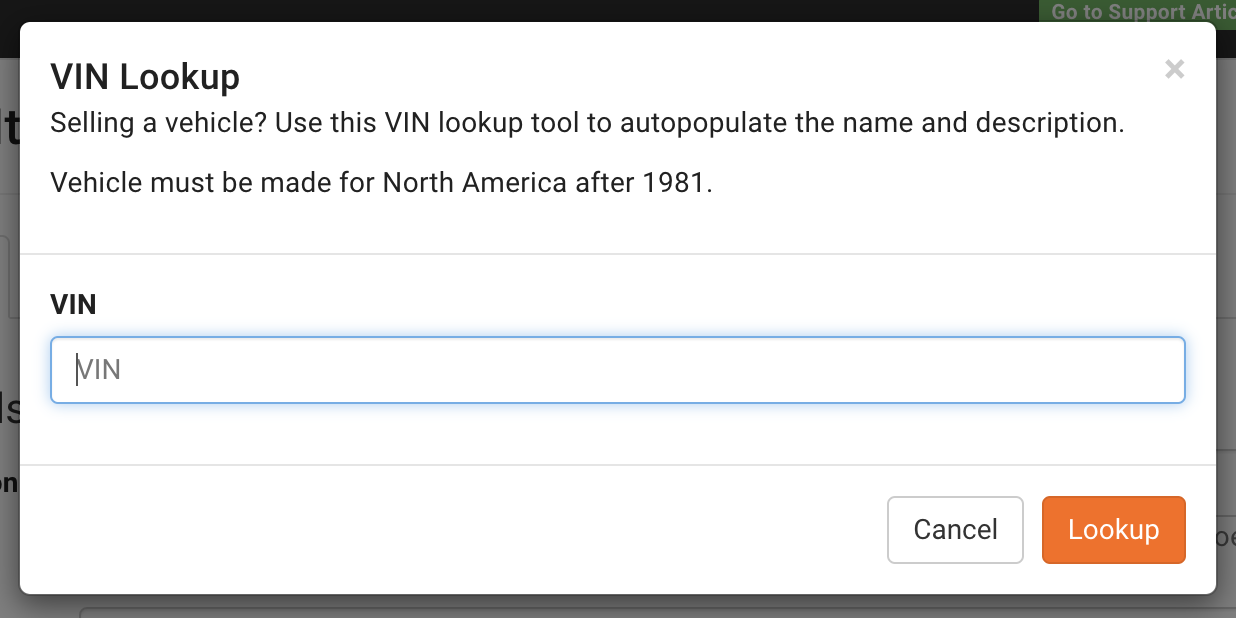
Clicking on the VIN Lookup button will bring up a field to enter the VIN number into. Type in the VIN number and click "lookup" to proceed.
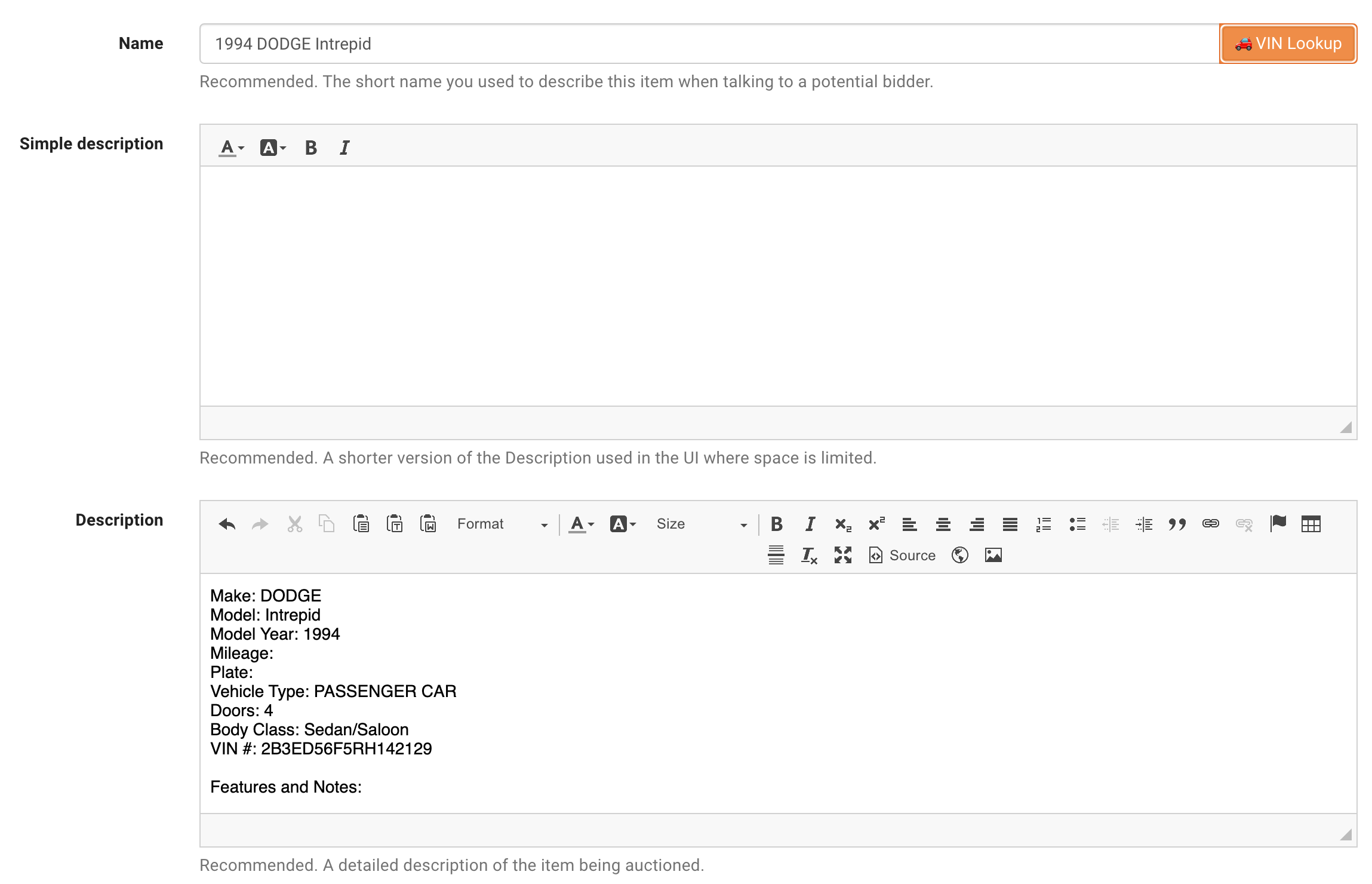
The feature will then fill out the name of the item, as well as any information it can find for the following fields: Make, Model, Model Year, Mileage, Plate, Vehicle Type, Doors, Body Class, and VIN.
A "Features and Notes" is also added to the description for adding any additional information.