Bid Notification Emails
Bidders can receive email notifications when they are outbid on an item, when they place the winning bid, or can opt in to be notified when selected items are about to close.
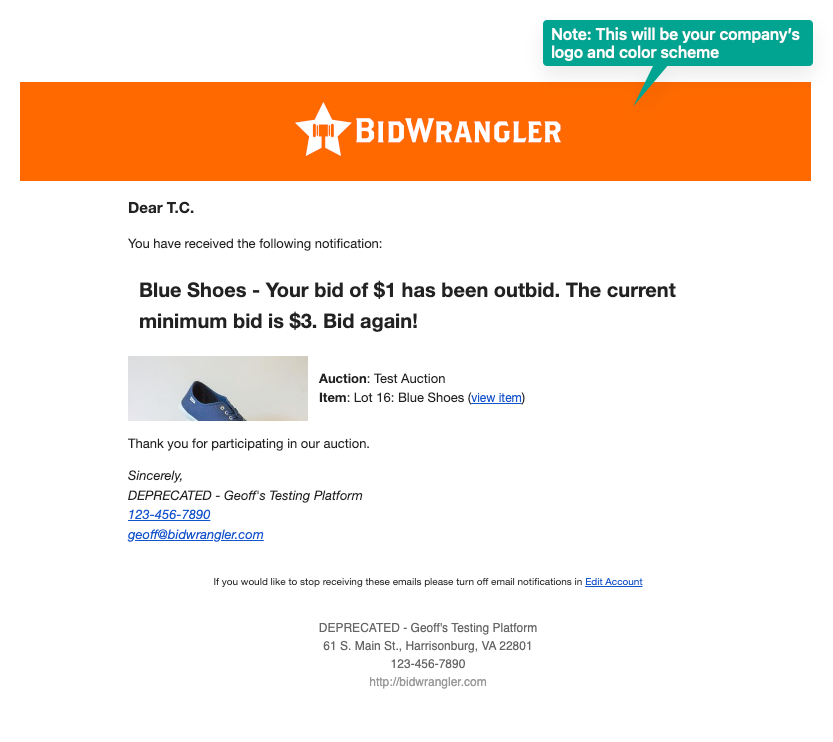
You have been outbid message:
You are the winning bid message:
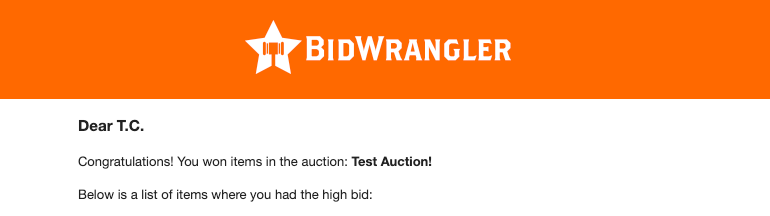
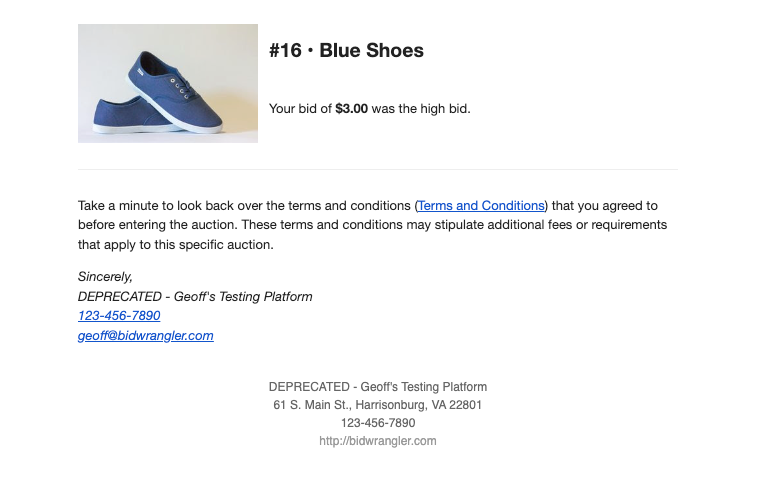
Note that this email will only be sent at the end of the auction, not when the item closes.
Item Ending Soon Notifications
In addition to outbid and winning bid notifications, bidders can also choose to receive notifications when an item they are watching is about to close.
To enable these notifications:
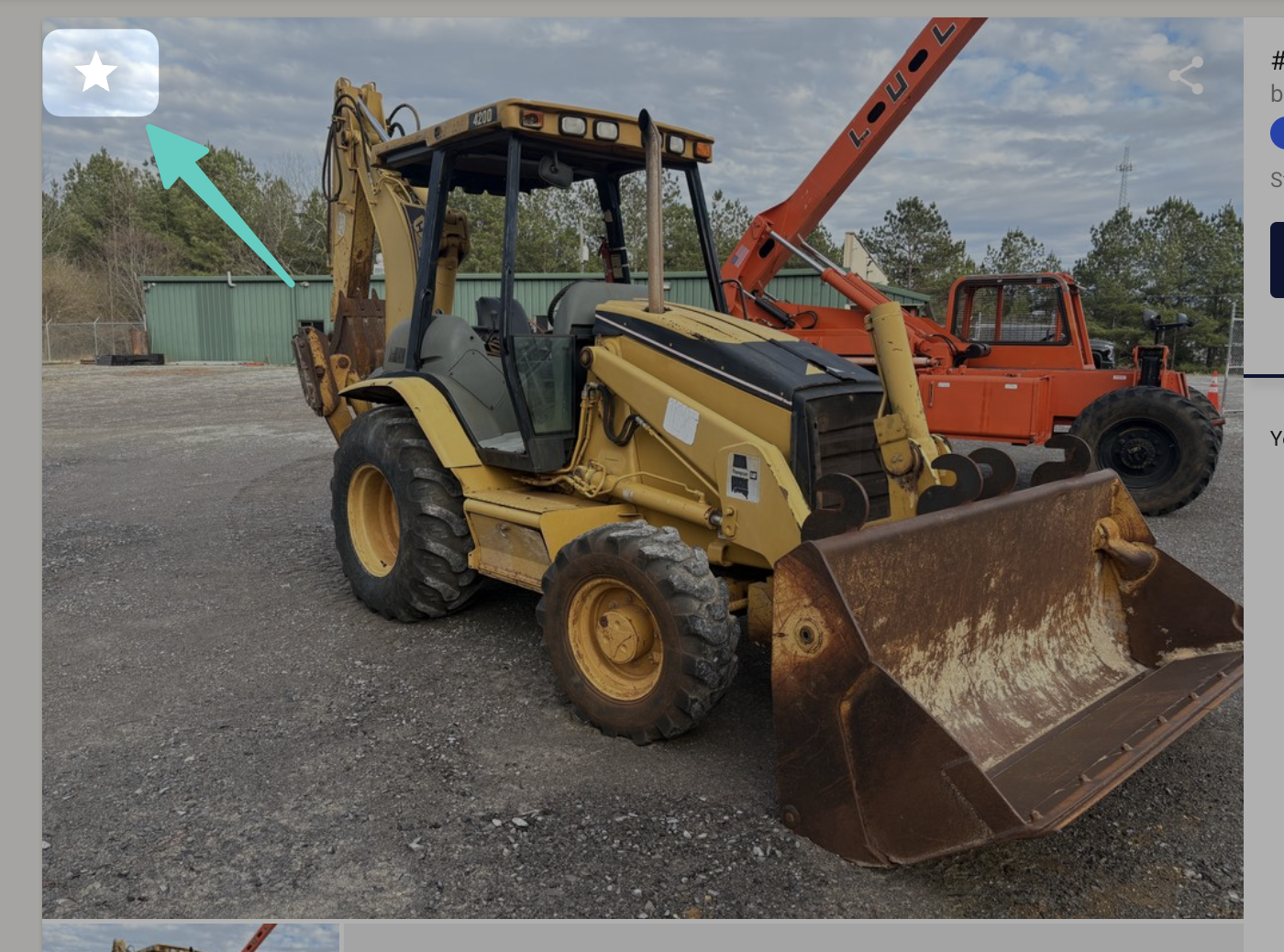
Click the Star icon on an item to add it to My Items.
Click the Star icon again to open notification options for that item.
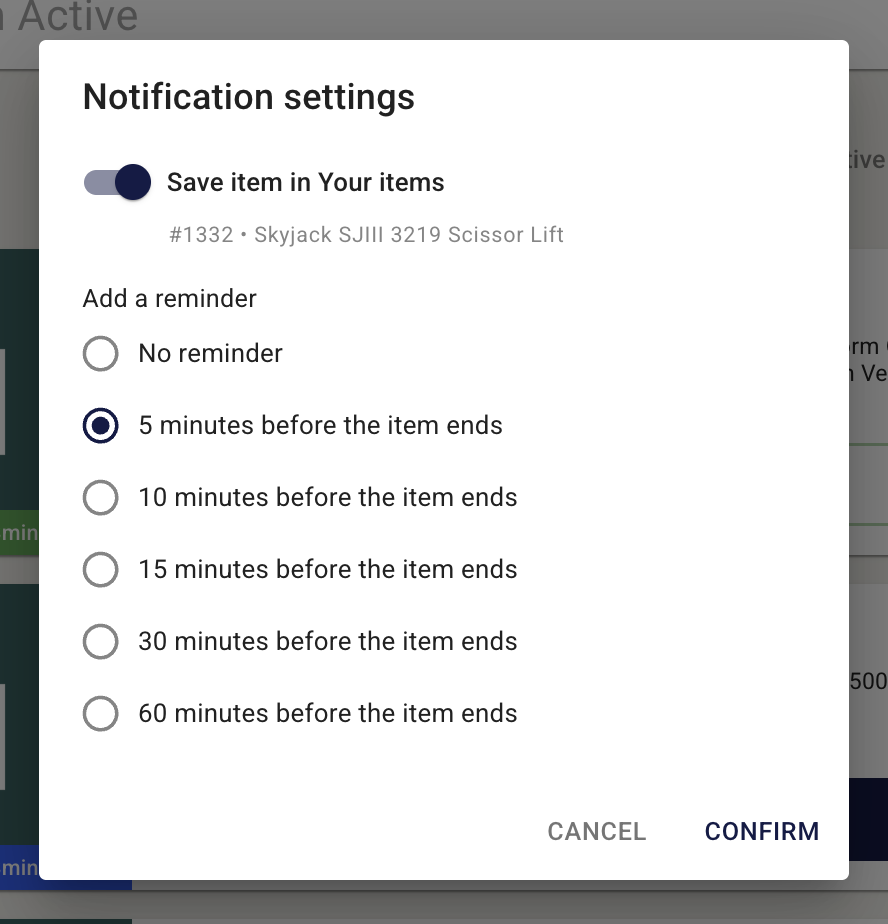
Select how far in advance you would like to be notified before the item closes.
Available notification intervals are 5, 10, 15, 30, or 60 minutes before closing:
Bidders will receive these notifications through the Message Center and Email (if they have "Receive bidding notifications via email" enabled).
Controlling these settings
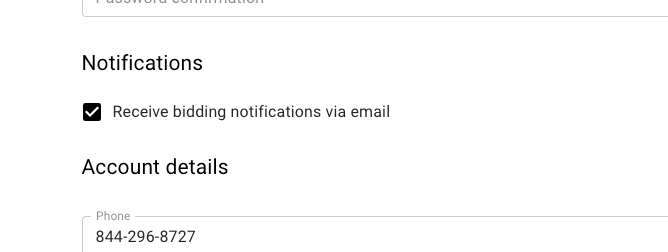
Notification emails can be controlled by bidders in via their account settings:
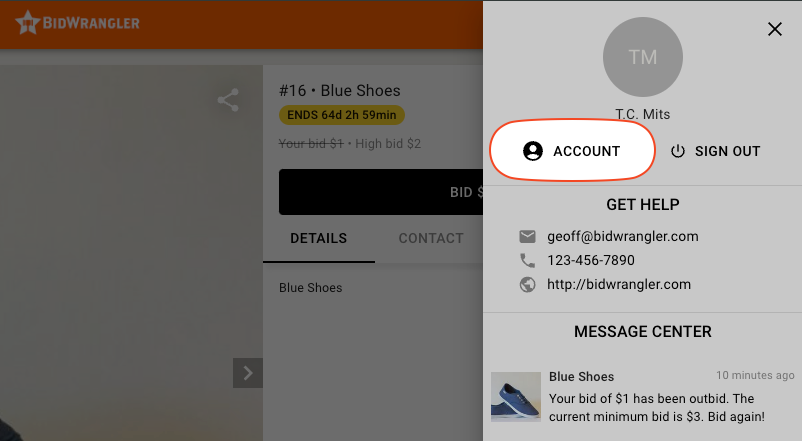
Note that these notifications are also available in the message center (as above).
Email notification settings can be controlled here:
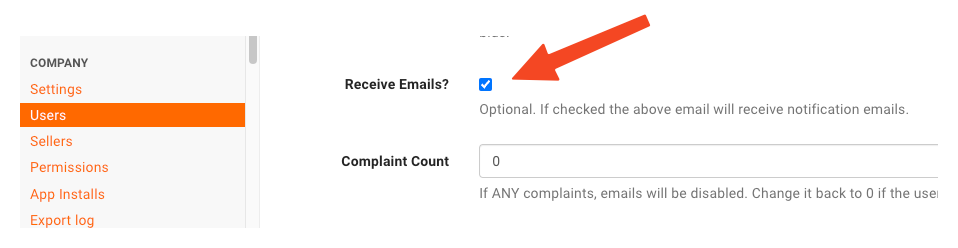
This can also be controlled in the admin portal under the user's account settings: