
How do I import registrations from other platforms?
In some cases, you may choose to import registrations from another platform so that bidders do not need to re-register for BidWrangler auction if they are also approved to bid elsewhere.
This is done through a spreadsheet upload, but the spreadsheet must meet the formatting requirements needed by BidWrangler. There is a template spreadsheet at the bottom of this article. You are able to import the following registration information:
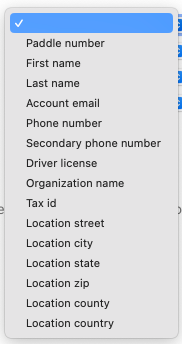
Notes on Format Requirements:
Each field must be added in a separate column
This means first name, last name, and each address line must have their own columns
In Address Fields, both the state and country fields must use 2-letter abbreviations, so VA, PA, NY, for Virginia, Pennsylvania, New York, etc. and US, CA, MX, SA for United States, Canada, Mexico, South Africa, etc.
The only required fields are Paddle Number, First Name, Last Name, Email, and Phone Number
You do not have to include their address, but if you do include at least one field for an address, you must include all 5 including zip and country
To import registrations:
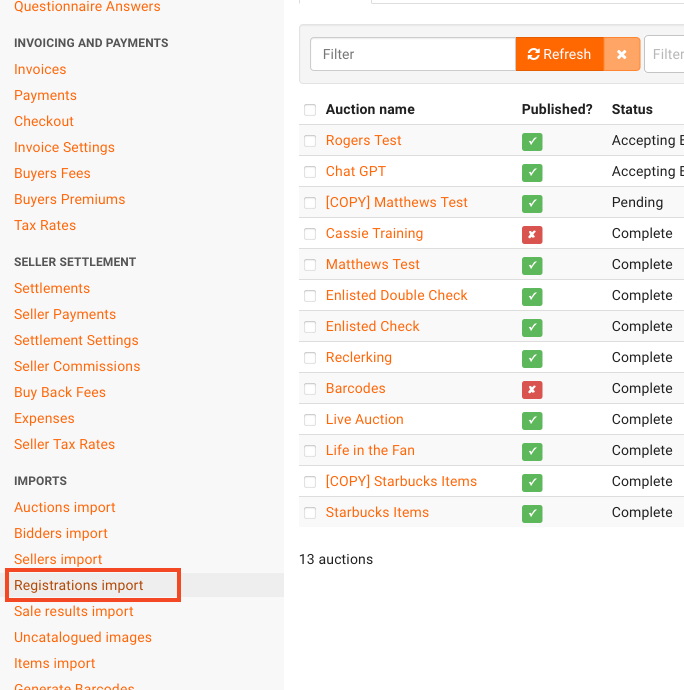
Click on "Registrations Import."
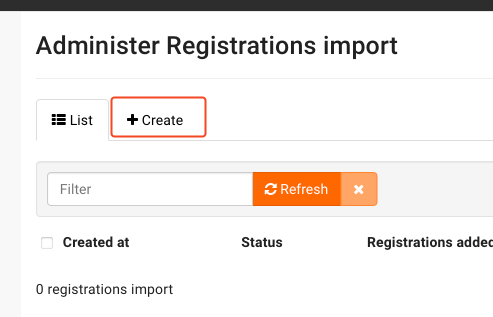
Click on "Create"
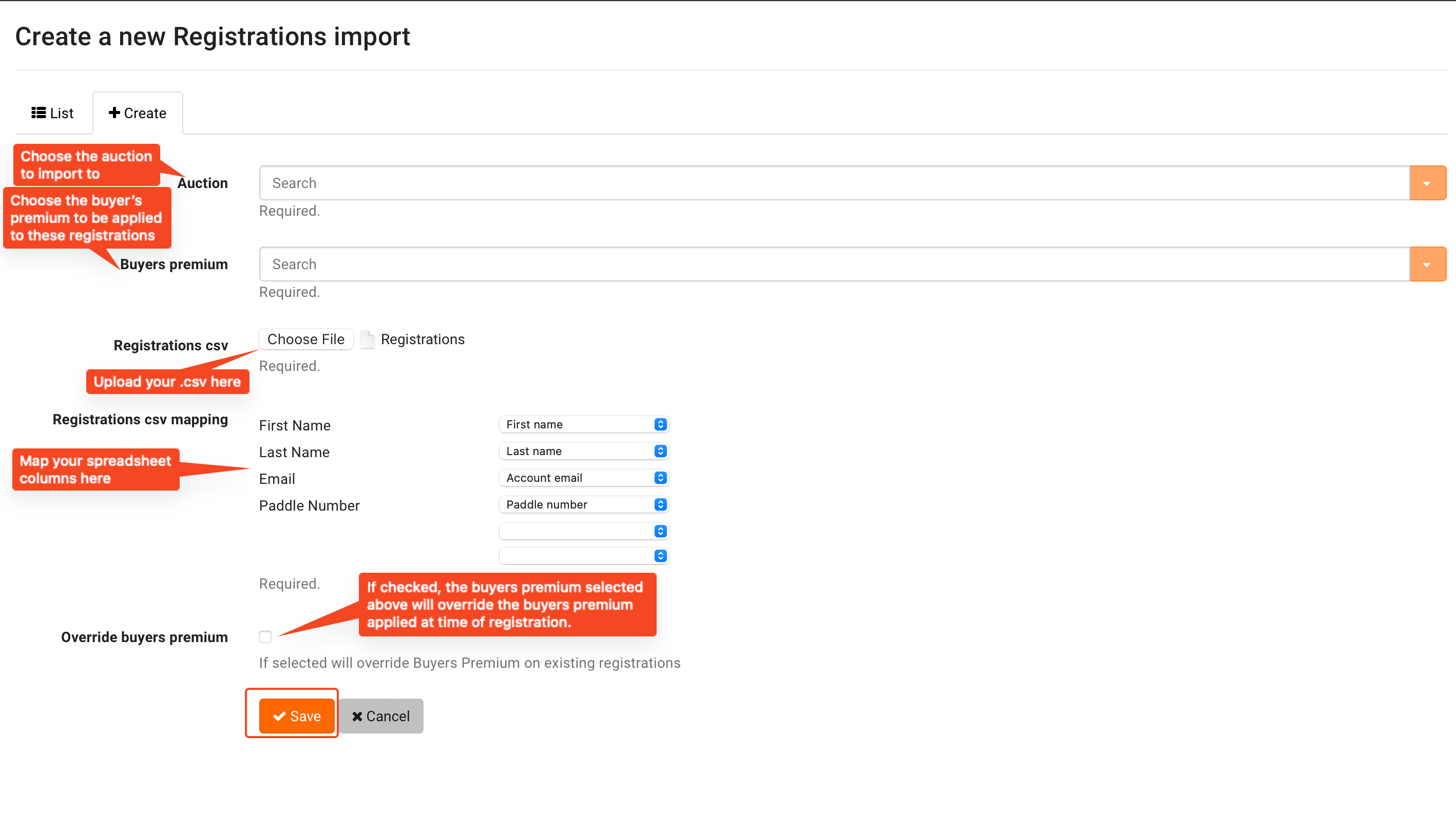
Configure your import from the following screen. When you are done, click on "Save."
If you are importing paddle numbers, ensure that they are greater than or equal to your Online Starting Paddle Number set for the auction (by default, this number is 10,000)
Once you hit "Save," you are directed to the import screen where you can monitor the progress.
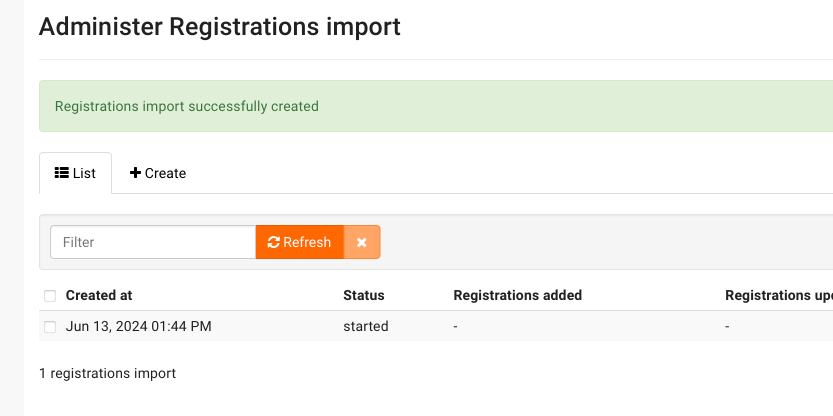
Registrations have now been imported for the sale.