Getting Stripe Keys
How do I set up a Stripe billing account?
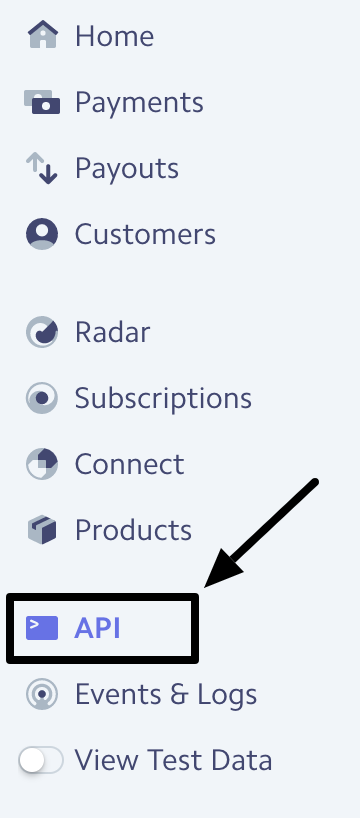
First, go to Stripe.com and create an account here. Once that process is completed, make sure that the account is in "LIVE" mode, and not "TEST" mode. You will need to enter and verify bank information to move your Stripe account from "TEST to "LIVE." While in "TEST" mode, the account will be unable to process transactions. Next, select the "API" option from the left dashboard menu.
API keys and tokens will appear here -
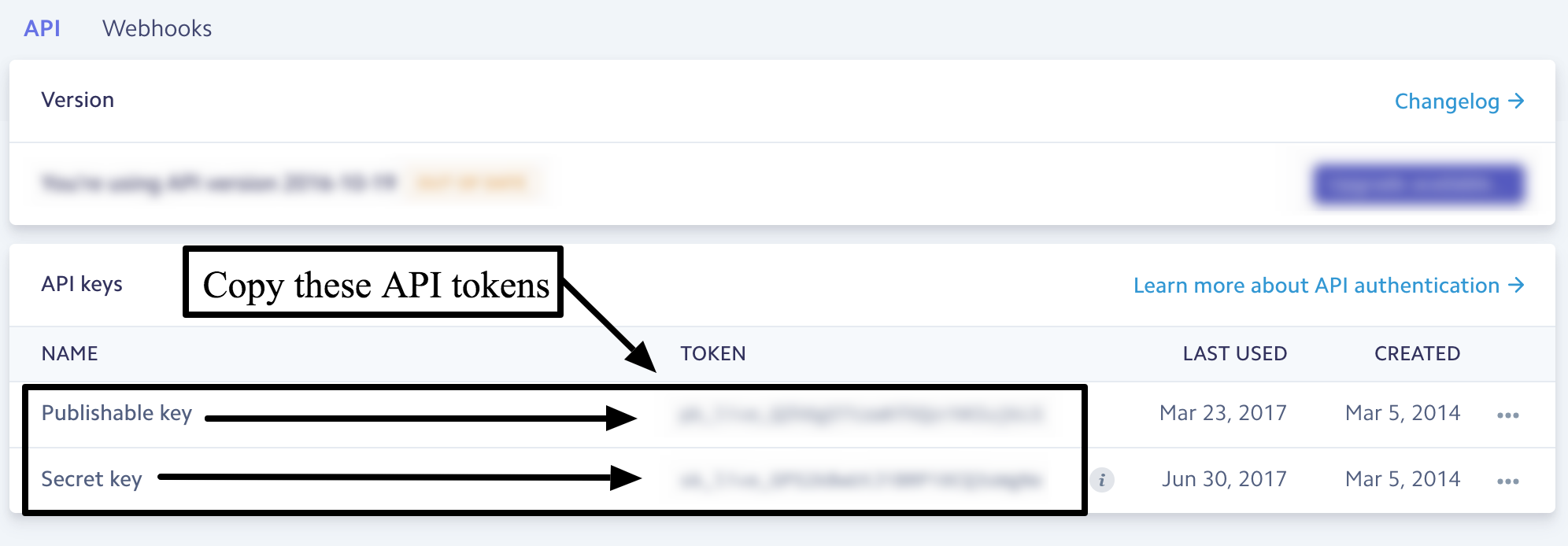
Once you get these API tokens, copy them, and reach out to helpdesk@bidwrangler.com to get these keys integrated with your BidWrangler account.
Test Mode
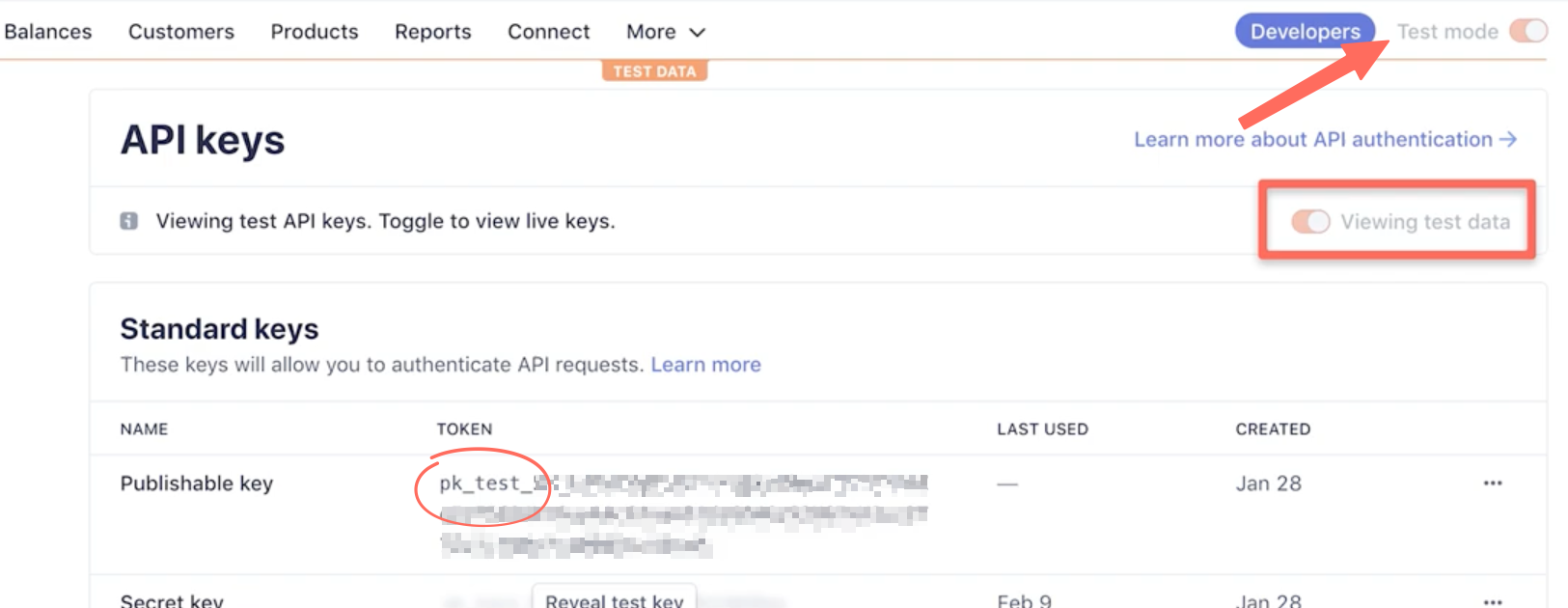
Note that if your Stripe account is in test mode, your API Keys will begin "pk_test_" and "sk_test_" - you can not accept actual payments while in test mode, so be sure to toggle into Live mode before copying and sending the keys. Live keys will begin "pk_live_" and "sk_live_"