
How do I find and save items in an auction?
Finding Items (Method 1):
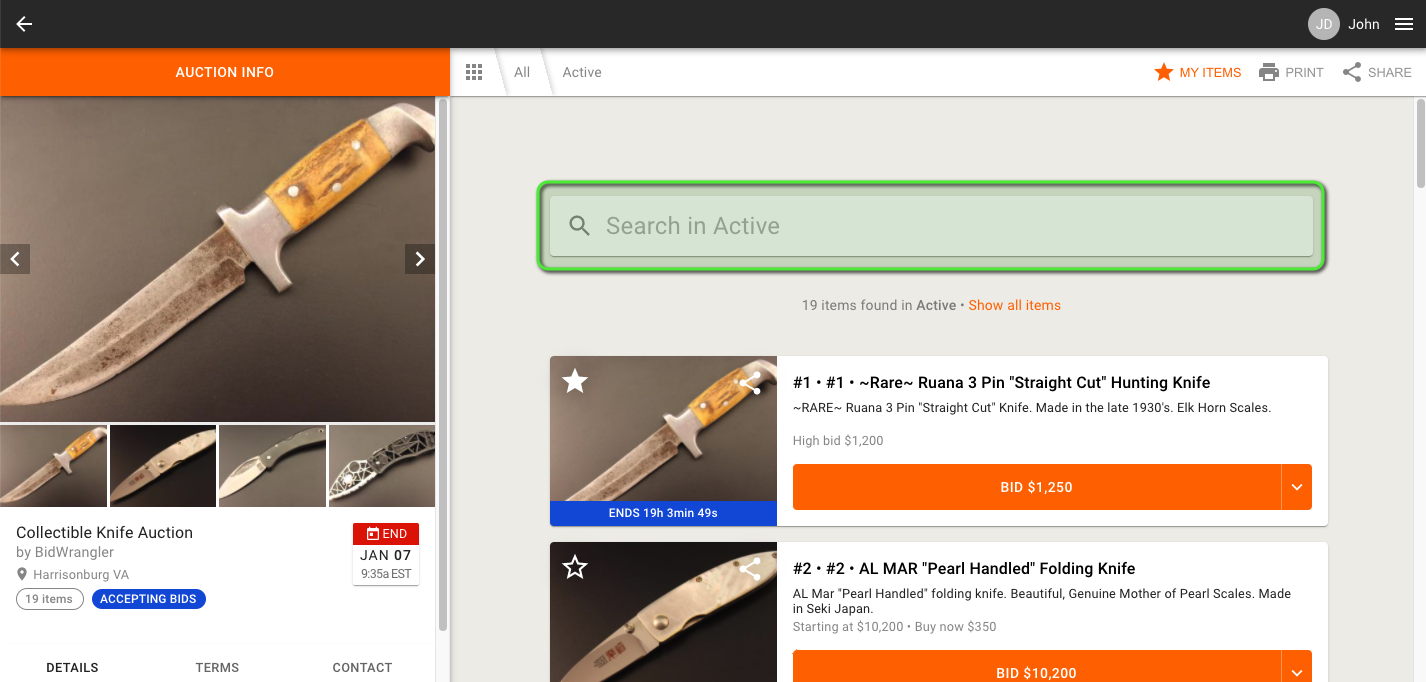
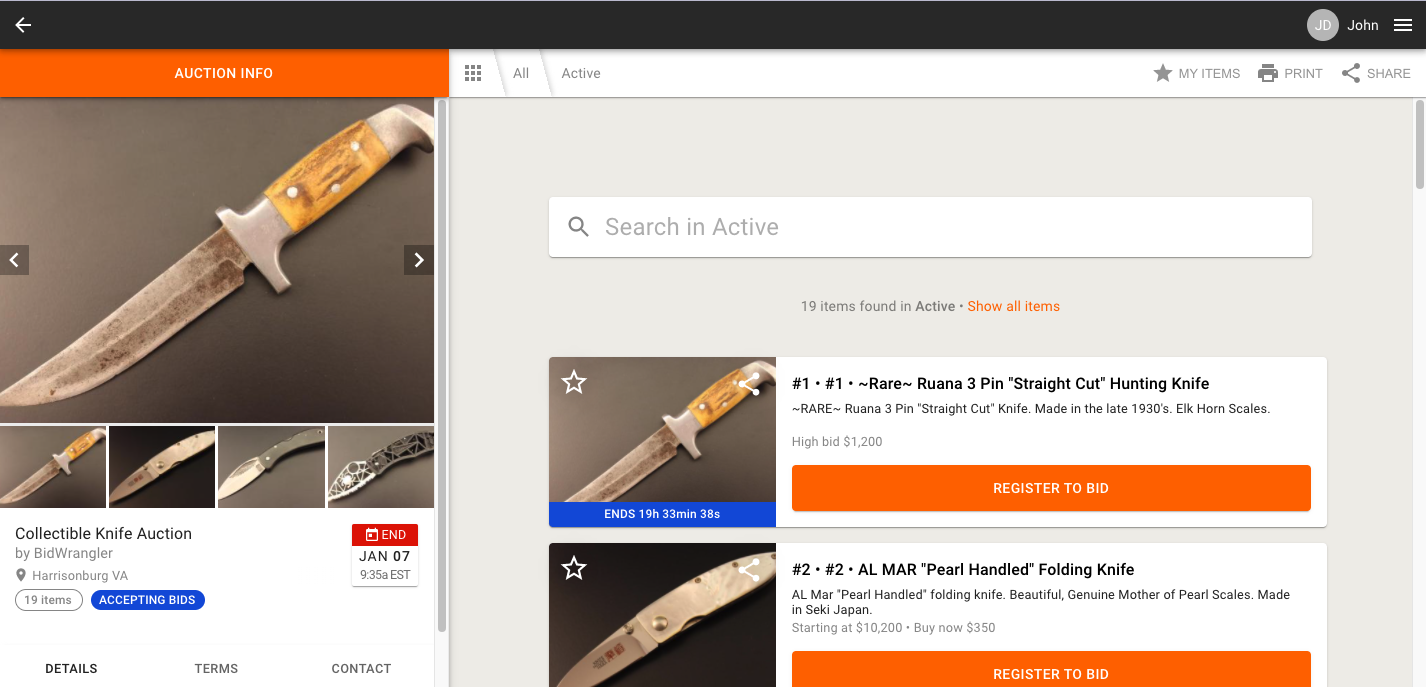
Specific items can be located in an auction's catalog by entering a term into the search bar, as seen below:
Finding Items (Method 2):
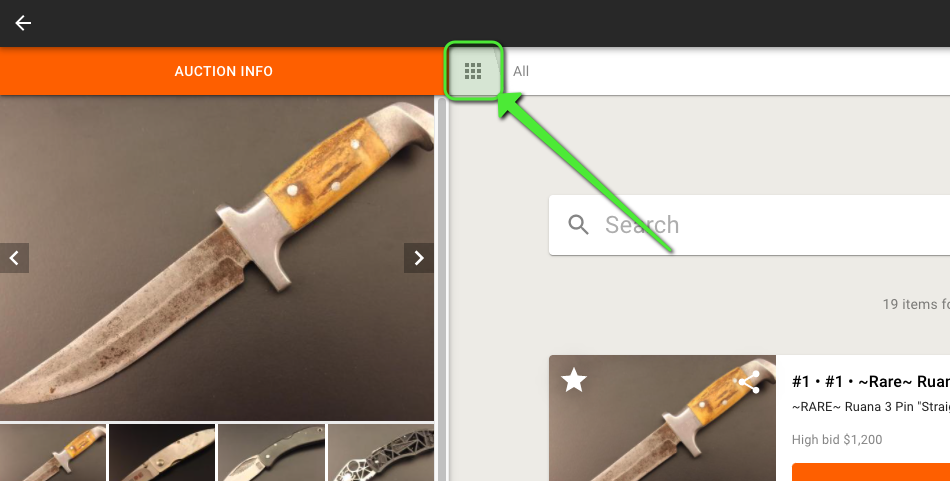
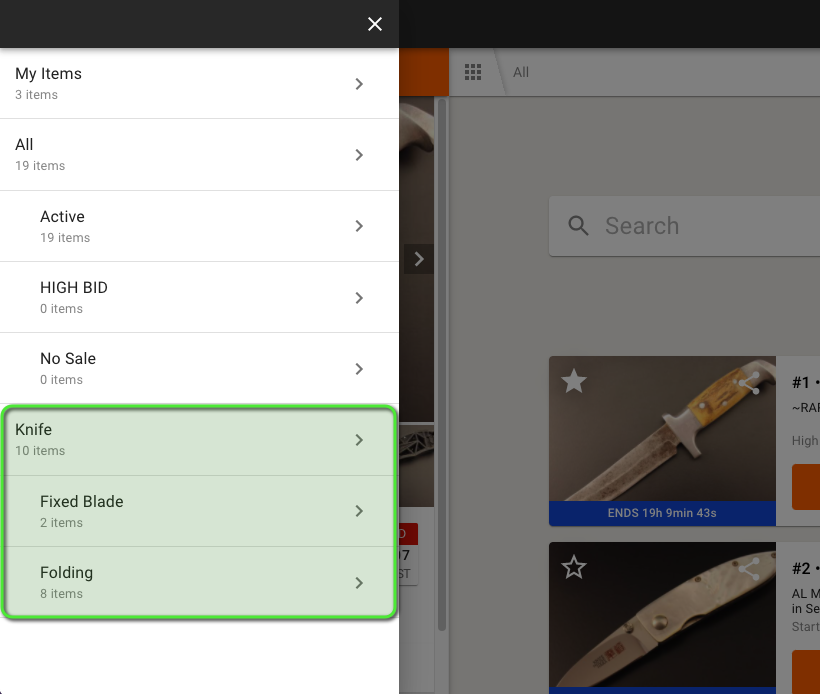
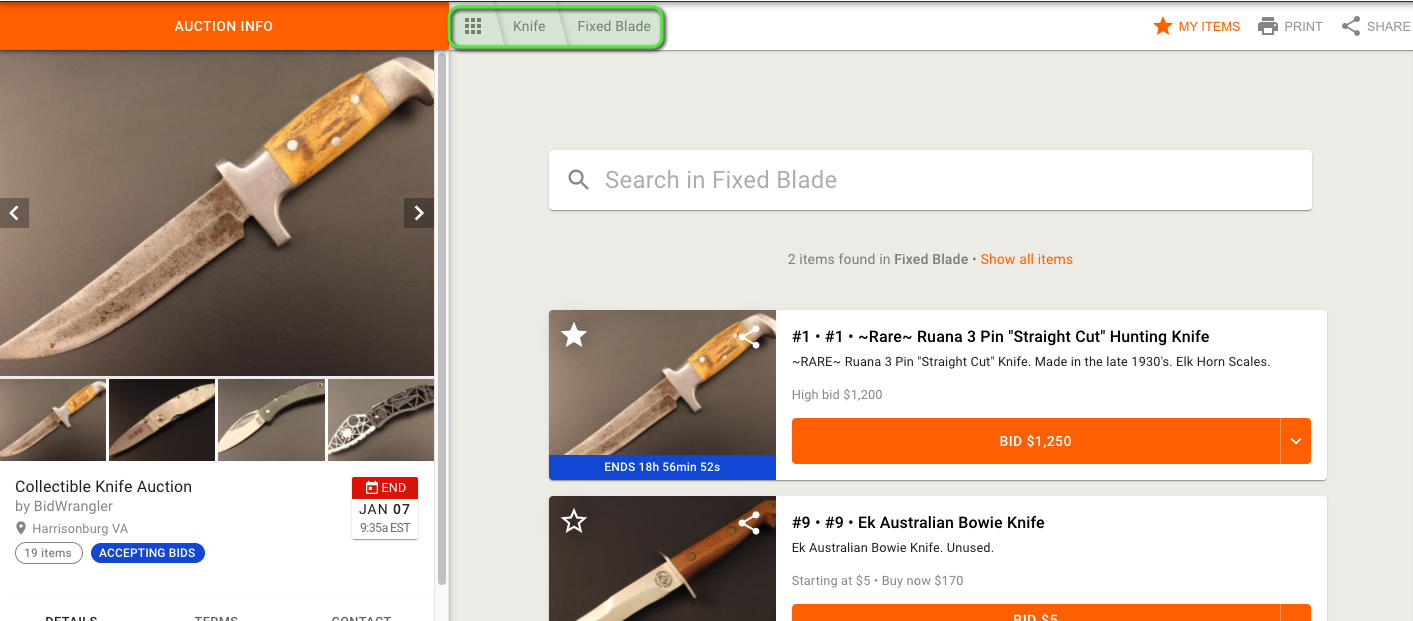
If an auction has items organized into categories, you can view the specific categories by clicking on the grid icon:
Saving Items:
Items can be saved to a personal items list called 'My Items'. To add items to this list, navigate to the auction you're bidding on:
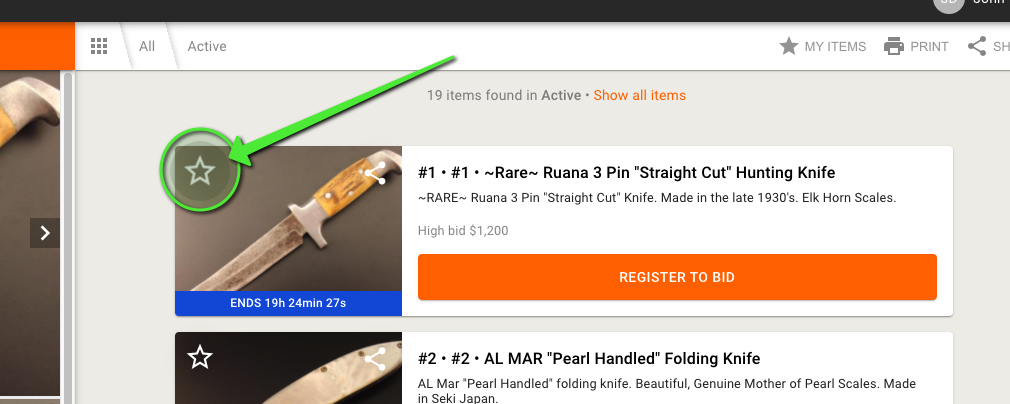
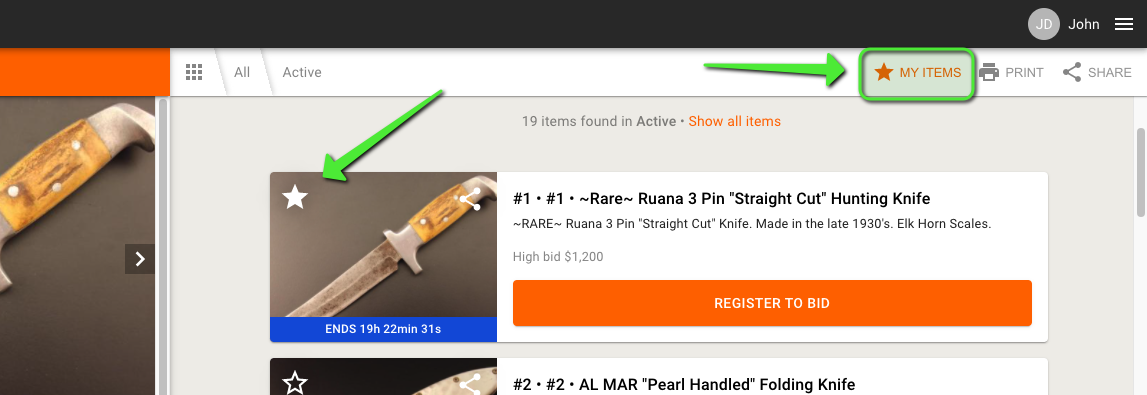
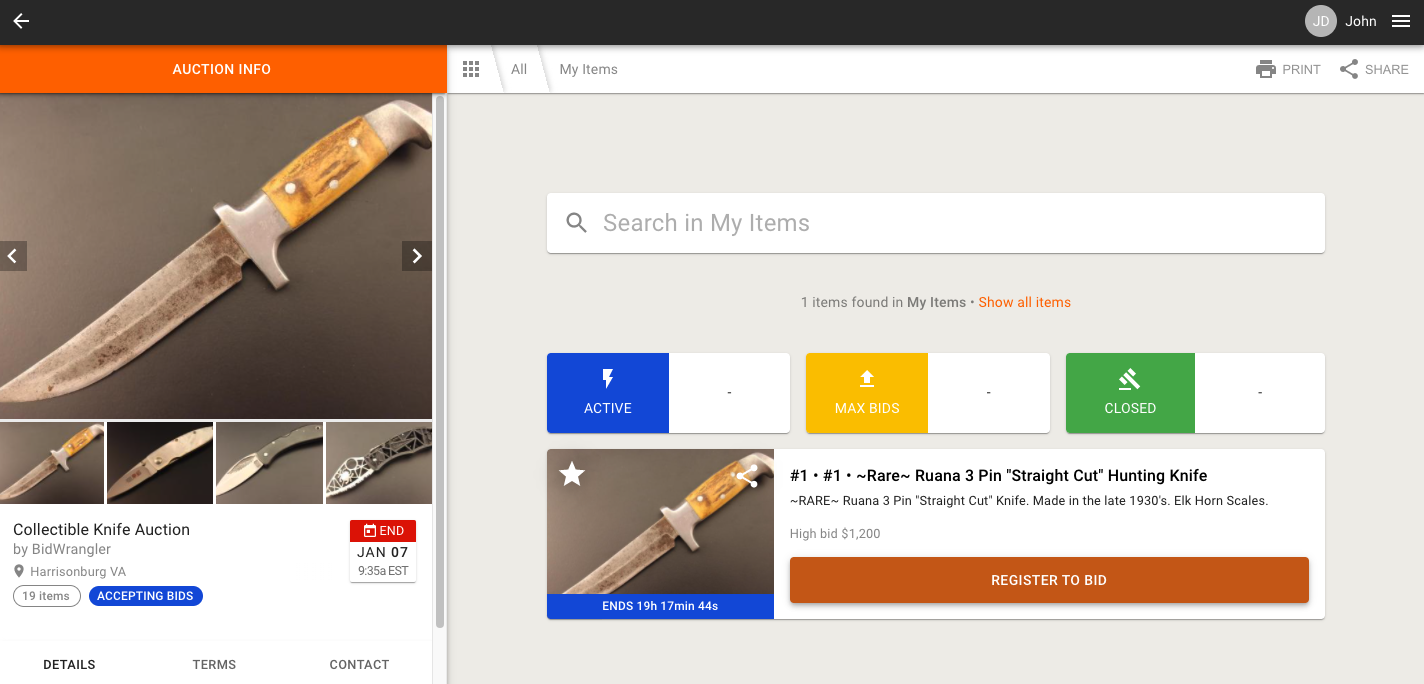
Clicking on "MY ITEMS" takes you to the My Items page, where you can see all your saved items, active items, max bids, and closed items:
Bidder-initiated Notifications:
By clicking the Star button again, bidders can enable a notifications and email reminder to alert them when an item on their My Items list is nearing its closing time:
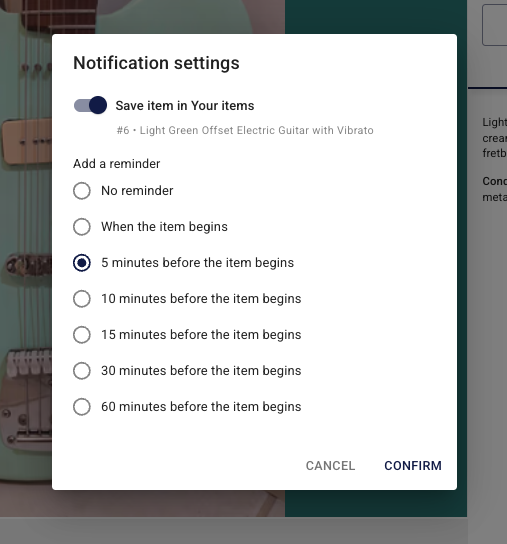
The notification will appear in their Message Center, as well as an email (if they have "Receive bidding notifications via email" enabled).
If you have any questions, please send us an email at helpdesk@bidwrangler.com.